

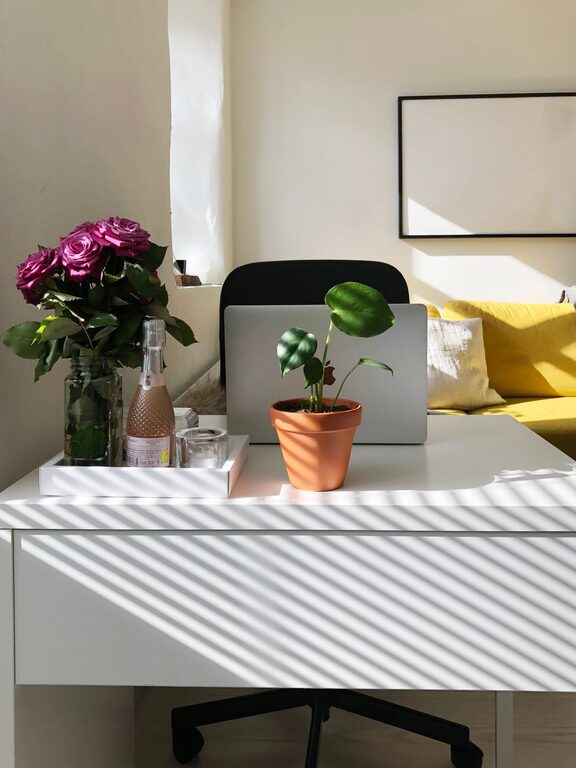
Creating an organized and comfortable home office is essential for staying productive and motivated, especially as more people work remotely. A well-designed workspace can help reduce distractions, keep you focused, and make working from home a more enjoyable experience. Whether you have a dedicated room or a small corner, these practical tips will help you arrange your home office in a way that promotes efficiency and comfort.
1. Choose the Right Location
Select a Quiet, Comfortable Spot
Start by choosing a location that minimizes distractions. Ideally, pick a quiet room or a corner away from noisy areas like the kitchen or living room. Natural light is also beneficial, so consider positioning your desk near a window if possible.
Define Your Workspace
Even if your office is part of another room, use furniture or decor elements like rugs, shelves, or screens to clearly define your work area. This separation can help you mentally switch between “work” and “relax” modes.
2. Invest in Ergonomic Furniture
Use a Comfortable Chair
An ergonomic chair that supports your back can prevent discomfort and long-term health issues. Look for adjustable options that support your lower back and encourage good posture.
Prioritize Desk Space
Choose a desk that fits your space and needs. Make sure it has enough surface area for your computer, documents, and other essentials without feeling cramped.
Adjust Your Monitor and Keyboard
Your monitor should be at eye level to reduce neck strain. Similarly, position your keyboard and mouse so your wrists are straight and your hands comfortably reach them.
3. Declutter and Organize Efficiently
Start with a Clean Slate
Remove everything from your desk and only put back what you use regularly. Having fewer items on your desk surface helps clear your mind and reduces distractions.
Use Storage Solutions
Invest in shelves, drawers, or filing cabinets to keep important papers and office supplies organized. Label containers or drawers to find items quickly.
Keep Cables Managed
Unruly cords can add clutter and frustration. Use cable organizers, clips, or sleeves to keep them neat and out of sight.
4. Optimize Lighting for Comfort and Focus
Combine Natural and Artificial Light
While natural light is best, supplement it with task lighting like a desk lamp. Soft, adjustable lighting lets you customize your workspace for different times of the day.
Avoid Glare
Position your computer screen to avoid glare from windows or overhead lights. Consider an anti-glare screen protector if needed.
5. Personalize Your Workspace Thoughtfully
Add Inspiring Decor
Personal touches like plants, photos, or artwork can make your space inviting and boost your mood. Choose items that inspire you but avoid cluttering the area.
Incorporate Calming Elements
A small plant or a diffuser with a subtle scent can create a relaxing atmosphere and reduce stress.
6. Create a Productive Workflow
Organize by Task Zones
If possible, designate areas for different tasks—like a computer station for digital work and a writing area for note-taking.
Keep Essentials Within Reach
Keep frequently used items such as pens, notebooks, and chargers close by to avoid unnecessary breaks or distractions.
Use a Planner or To-Do List
Keep a planner, whiteboard, or digital app nearby to track tasks and deadlines, helping you stay organized and focused.
7. Maintain Your Organized Space Regularly
Set a Weekly Cleanup Routine
Spend a few minutes each week tidying your desk, filing papers, and removing unnecessary items. This keeps clutter from building up over time.
Review and Adjust as Needed
Your needs may change, so periodically reassess your setup to improve comfort and efficiency.
—
By following these tips, you can transform your home office into a well-organized, comfortable environment that supports your productivity and well-being. Remember, an organized workspace is a foundation for effective work habits and a more enjoyable work-from-home experience.